FREE TRIAL
Try Rietta DocLoupe™
on your desktop.
Tell us who you are, and we’ll take you straight to the downloads for macOS and Windows. The free trial analyzes up to 100 documents. A license file unlocks the full version.
Requires Windows 11 (64-bit) or a Mac with Apple silicon (M1 or newer). Microsoft ended support for Windows 10, so we don’t test it. DocLoupe may well work there, but we can’t support a platform we don’t test. For recommended hardware, see the System Requirements page.
Someone from Rietta may email you to check on your trial and offer help getting started. A member of our team writes each message personally. You won’t receive AI-written email or an automated drip campaign.
This website form is processed by Netlify. The desktop app’s core analysis runs locally. Read our Privacy Policy. Use of DocLoupe is subject to the DocLoupe End User License Agreement, which the app also shows when you first open it.
ONE-STEP INSTALL
Installing on macOS
is drag and drop.
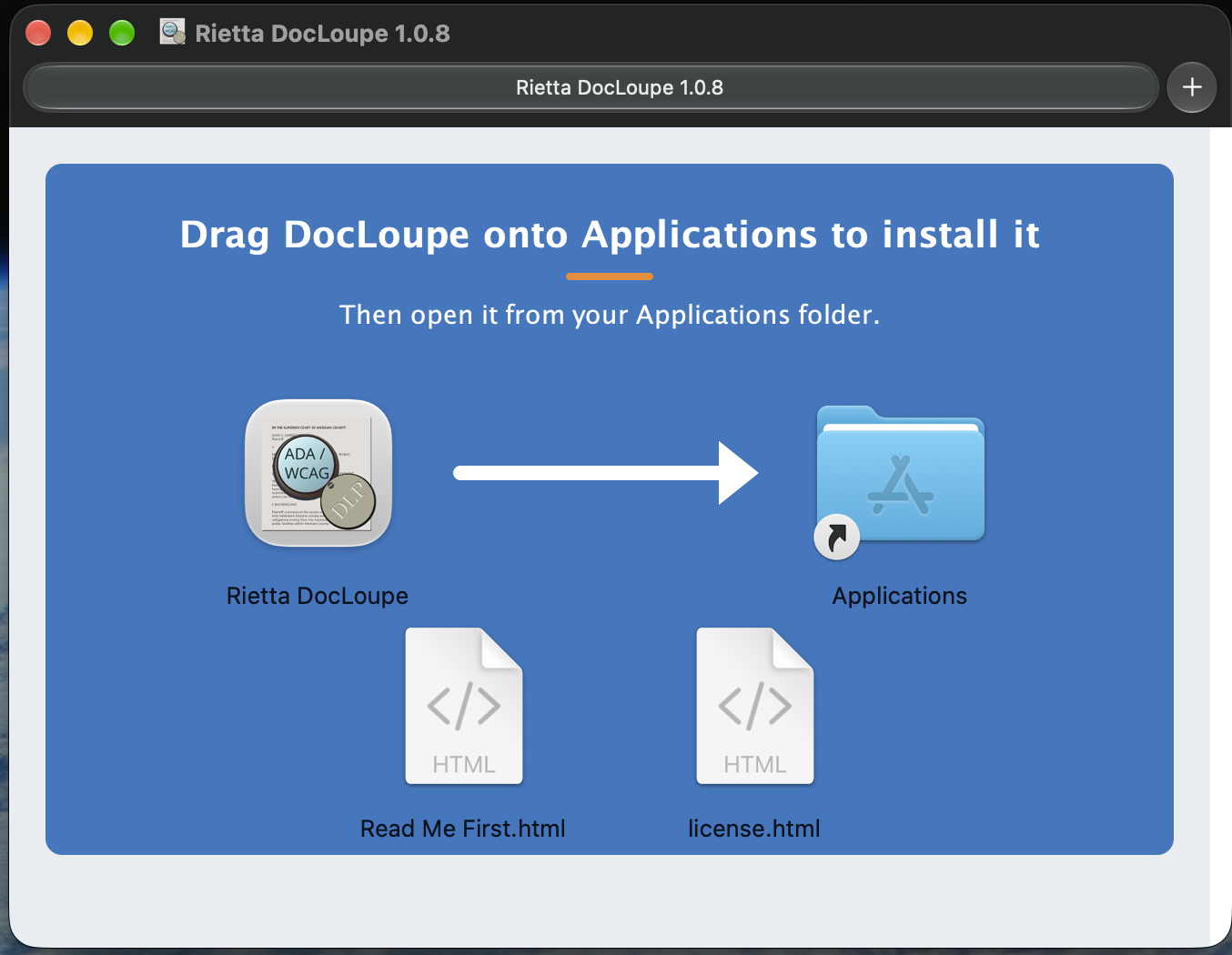
After your download opens, you’ll see a disk image like the one below. Drag DocLoupe onto Applications to install it, then open it from your Applications folder.